7.2s
Distinctive Smile
Turn a topic, product, or video idea into a structured YouTube Shorts script you can refine and record. ViralHookMaster’s Free YouTube Shorts Script Generator helps you create a hook, clear talking points, a concise body, payoff, and call to action without starting from a blank page.
Start your Short on one of these 9:16 clips, then cut to your footage on the first spoken line. There's more in the Shorts hook library.
Distinctive Smile
Dog Sweep
Donkey Flips Over Fence
Flip on Head
Football Before the Flash
Giant Axe
Giant Snowball From Bridge
Glass Break
Creating a first-draft Short takes three simple steps.
Describe what you want your Short to cover. You can enter a topic, product, problem, lesson, opinion, story, or result. The more specific your input is, the more useful the AI video script can be. Instead of: “Productivity tips”
Try: “Explain three mistakes creators make when planning weekly short-form content.” That gives the AI script generator a clear audience, topic, and direction.
Decide how the video should sound. A tutorial needs a different structure from a story, product demo, opinion, educational Short, or promotional video.
You can also adjust the tone around the intended audience. A creator tip may need fast, direct sentences, while a story-based Short can build tension before the payoff.
Generate the script and review the hook, body, talking points, payoff, and CTA. Treat the result as a first draft. Remove unnecessary words, verify any factual claims, and rewrite phrases that do not sound natural when spoken. The goal is a ready-to-record script, not generic AI copy.
A Free YouTube Shorts Script Generator is an AI writing tool that turns a brief or topic into a structured script designed for YouTube Shorts. Unlike a hook generator, which focuses mostly on the first line, a YouTube Shorts script generator develops the complete flow of the video.
A generated script can include:
A good short-form video script helps a creator decide not only how to start the Short, but what should happen after the viewer stops scrolling. The hook earns attention. The rest of the script has to keep it.
A useful YouTube Shorts script is usually simpler than a long-form YouTube script.
The first line creates a reason to keep watching. Example:
“Your first sentence may be killing your Shorts.”
Give viewers only the context they need. Example:
“Most creators introduce the topic before explaining why anyone should care.”
Deliver the key idea quickly. Example:
“Start with the result, problem, or strongest question. Explain the background after the viewer understands why it matters.”
Complete the promise created by the hook. Example:
“Now your viewer knows what they will get before deciding whether to swipe.”
Use a call to action only when the video benefits from one. Example:
“Save this before you script your next Short.”
The CTA should feel like the natural next step, not an interruption.
A viewer can discover your video inside the Shorts feed without knowing your name, niche, or channel. That gives your script very little room for unnecessary setup. Every section should have a job:
The hook earns attention. The setup creates context. The body delivers value. The payoff completes the idea. The CTA directs the next action. Good video script writing is often more about removing unnecessary information than adding more sentences.
Imagine you are creating a Short about improving video openings.
“Your first sentence may be killing your Shorts.”
“A lot of creators start with an introduction before giving viewers a reason to stay.”
“Lead with the result, strongest problem, or question first. Give the background after viewers understand why the topic matters.”
“That makes the value of the video clear before they decide whether to swipe.”
“Try it on your next Short and compare the retention.”
That is a complete ready-to-record script without unnecessary filler.
| Content type | Script structure |
|---|---|
| Tutorial | Hook → steps → result |
| Educational Short | Question → explanation → takeaway |
| Product demo | Problem → product → result → CTA |
| Story | Hook → tension → turning point → payoff |
| Review | Claim → evidence → verdict |
| Creator tip | Mistake → fix → example |
| Commentary | Opinion → reasoning → conclusion |
| Promotional Short | Pain point → benefit → proof → CTA |
A good video script generator should organize the idea around its goal instead of forcing every Short into the same template.
“Hey guys, welcome back. Today I’m going to talk about some tips that can help you create better YouTube Shorts.”
“Your Shorts may be losing viewers before you even reach the useful part. Here are three ways to fix the opening.”
The stronger version immediately identifies the problem and promises a payoff. The viewer knows why the video matters.
Before writing the opening, decide what the viewer should know, understand, or feel by the end. Then build backward.
A Short does not need five unrelated lessons. One strong idea is easier to explain and easier for the viewer to remember.
Ask whether each sentence changes how the viewer understands what comes next. If it does not, consider cutting it.
An AI video script should sound natural when spoken aloud. Short sentences often work better than formal paragraphs. Read the script once before filming and simplify phrases you would never naturally say.
Not every idea needs to be spoken. A screenshot, product demonstration, reaction, text overlay, before-and-after image, or visual hook can communicate information faster than another sentence.
Instead of:
“Follow for more.”
Try:
“Save this before scripting your next Short.”
Specific CTAs feel more connected to the actual content.
A written script controls what viewers hear. A visual hook controls what they see first. Using both creates a stronger opening.
After generating your script, browse ViralHookMaster’s hook videos for YouTube Shorts and choose a vertical visual that fits the tone of your opening. A simple workflow is:
The visual should support the promise of the script instead of distracting from it.
Writing manually gives you complete control over tone, experience, and audience knowledge. The challenge is speed. A creator publishing several Shorts every week may need dozens of hooks, outlines, talking points, and complete scripts every month.
A Free YouTube Shorts Script Generator speeds up the first-draft stage. Instead of staring at a blank page, you receive a structure you can edit. AI can still create generic phrases, repetition, or claims that need verification. The best workflow is:
Use AI for speed. Use human judgment for quality.
Do not choose script length only by word count. Choose it based on the idea. A simple creator tip may need one hook, two short points, and a payoff. A story may need slightly more setup. A product demonstration may need enough time to show the problem, product, and result.
The purpose of a viral Shorts script is not to fill a specific duration. It is to keep the idea moving without unnecessary pauses.
A script is also a retention plan. Strong audience retention depends on whether each moment gives the viewer a reason to continue. Transitions matter. Instead of:
“Now let’s talk about another point.”
Try:
“But fixing the opening creates another problem.”
The second version creates progression. It makes the next sentence feel necessary. After publishing, use YouTube Analytics to compare watch time, retention, engagement, and how viewers respond to different script structures. The goal is not to discover one universal formula.
It is to identify the structures your audience repeatedly watches.
Use a hook generator when you already know the body of the video and only need better opening options. Use a YouTube script generator when the entire idea still needs structure.
If you already have your body written but need a stronger opening, ViralHookMaster’s Free YouTube Shorts Hook Generator is the better starting point.
If you only have an idea such as “three editing mistakes creators make,” the Free YouTube Shorts Script Generator can help turn it into a complete flow.
Hooks are not limited to the first second. You can also use visual interruptions when moving from one section of the script to another. For example:
Hook → talking point → visual transition → second talking point → payoff. ViralHookMaster’s transitional hooks can help create that visual reset between sections. This is particularly useful when a Short contains several steps, examples, or before-and-after moments.
A good short-form video script can often be adapted across platforms, but the opening may need to change. TikTok can require faster, more native-feeling pacing. YouTube Shorts may support a clearer setup-and-payoff structure.
If you are adapting the same concept for another platform, browse ViralHookMaster’s TikTok hooks and compare how the first visual could change. Keep the core message. Change the delivery.
The AI script generator gives you written structure, but it cannot show every visual pattern creators currently use to stop scrolling. Browse ViralHookMaster’s viral hook library when you need examples of visual openings you can pair with your script.
Study the pattern rather than copying someone else’s exact creative. Look at:
Then choose the visual that best supports your script.
Creators can move from a rough idea to a complete script without manually writing every section.
Turn lessons and explanations into concise Shorts with a clear hook and takeaway.
Create product demonstrations, educational Shorts, and promotional content around a repeatable structure.
Turn a brand brief into a problem, solution, proof, payoff, and CTA.
Generate first drafts faster, then adapt the final structure for different channels.
Develop first-draft scripts across several clients while keeping human review in the workflow.
A script generator can organize an idea, but it does not automatically know whether a claim is accurate. Always review:
The AI script generator should reduce writing friction, not replace fact-checking.
 Hookest575+ hooks · updated weekly
From the Hookest library
Real Instagram hooks people responded to. Use them as inspiration for the first beat of your script.

Chaotic Food Toss Contrast
@chefrashid97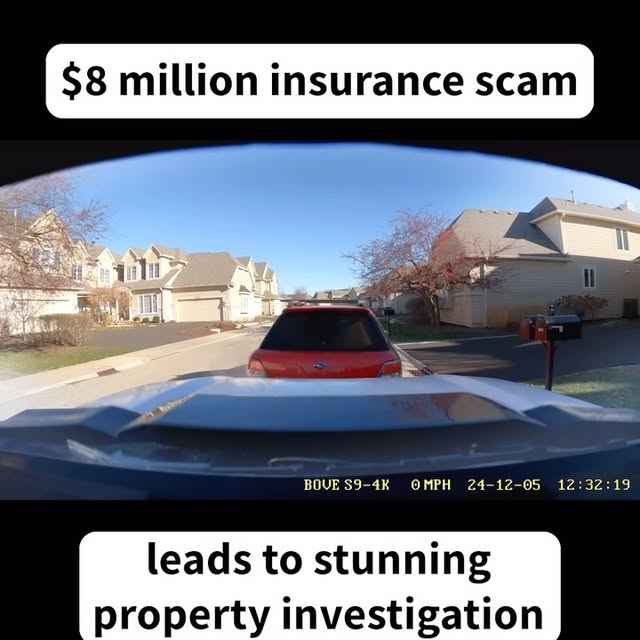 9.4M
Fake Dashcam Crash
@marge.marasco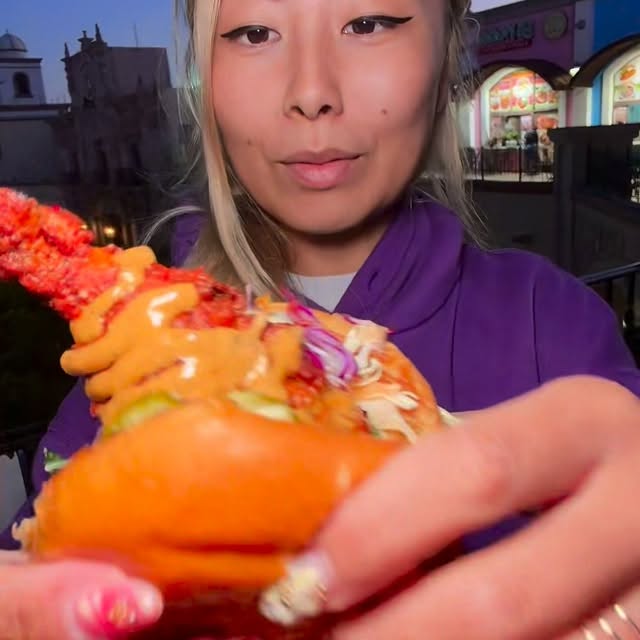 11M
Treats To Sandwich
@rainaiscrazy 13M
Glass Hammer Strike
@snapbyzuza 4.3M
Truck Kick
@gababali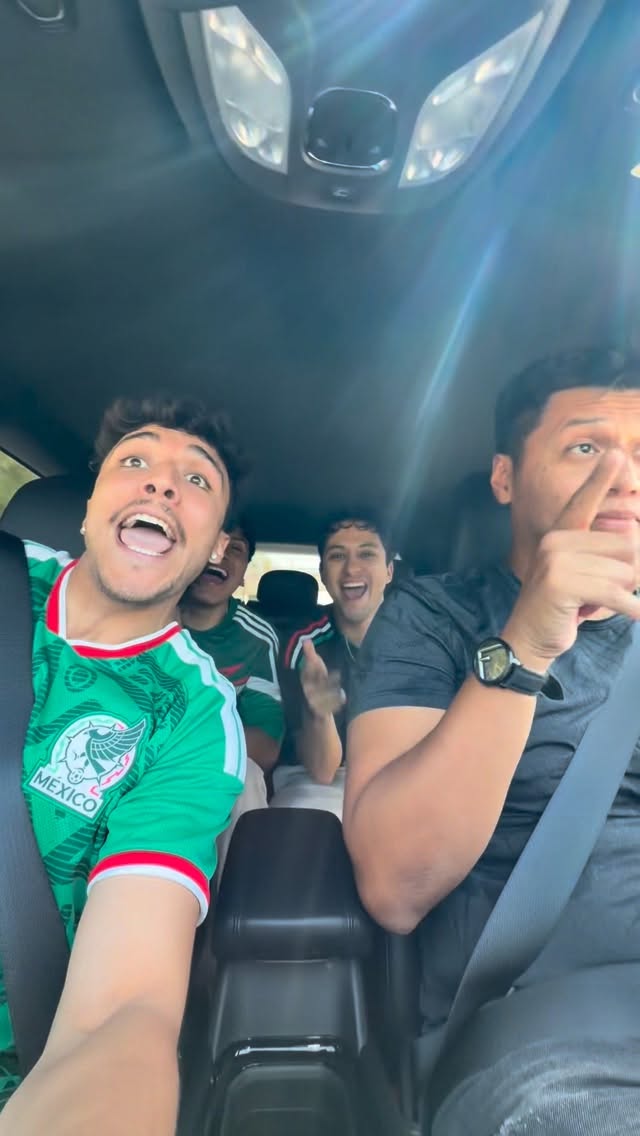 11M
Car Swerve Sing
@willyhidalgo_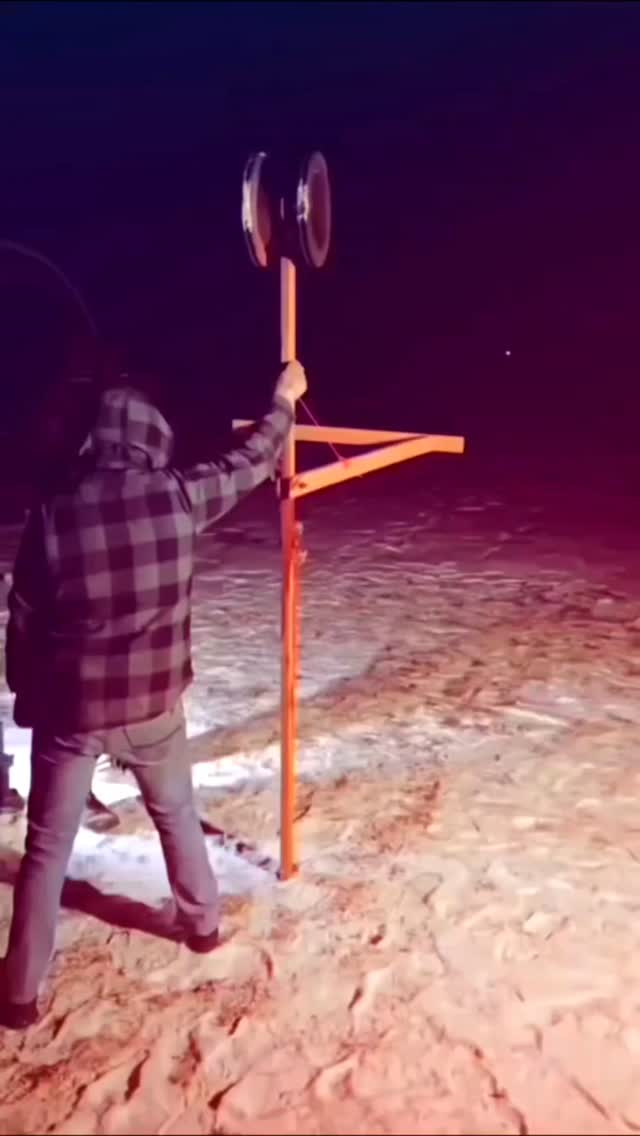 10M
Pyrotechnic Ignite
@sonuandlalitayt25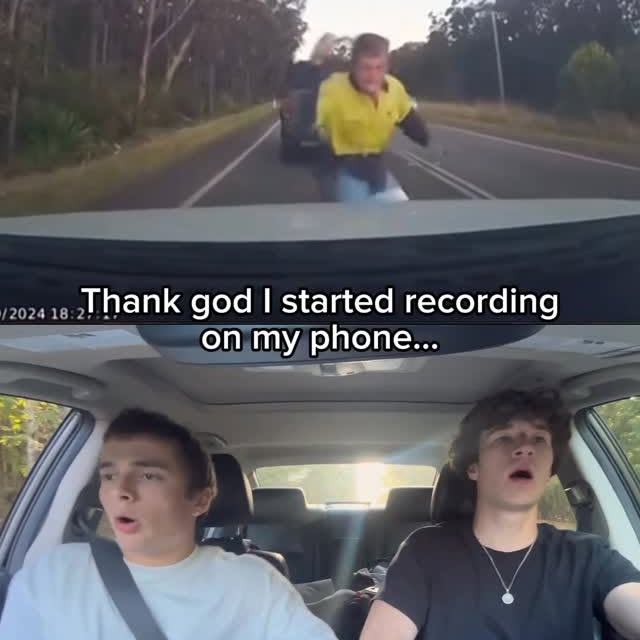 8.0M
Dashcam Split Reaction
@wantsandneedsbrand_Browse all 575+ hooks with views, likes and categories.
Five opening lines for TikTok, Reels or Shorts, each with a matching free clip.
Opening lines written for the Shorts feed, with a free clip to open on.
Score your opening line out of 100 and get three stronger rewrites.
A Free YouTube Shorts Script Generator turns a topic or brief into a structured script for YouTube Shorts, including a hook, body, talking points, payoff, and CTA.
Yes. The tool is designed to let you create a first-draft script for free. Current limits can be shown directly inside the tool.
It is designed for complete short-form video script creation. If you only need the first line, use ViralHookMaster’s YouTube Shorts Hook Generator instead.
A ready-to-record script gives you a usable flow from opening to payoff so you can move into filming after reviewing and editing the draft.
The generated script can be adapted to tutorials, stories, educational content, product demonstrations, creator tips, reviews, and promotional Shorts.
Yes. Product scripts can follow a problem → solution → proof → CTA structure.
AI can create a viral Shorts script using common storytelling, hook, and retention structures, but no script can guarantee virality.
Yes. Review tone, factual accuracy, examples, claims, pacing, and wording before recording.
Type a topic, pick a length, and have something to film in seconds.